
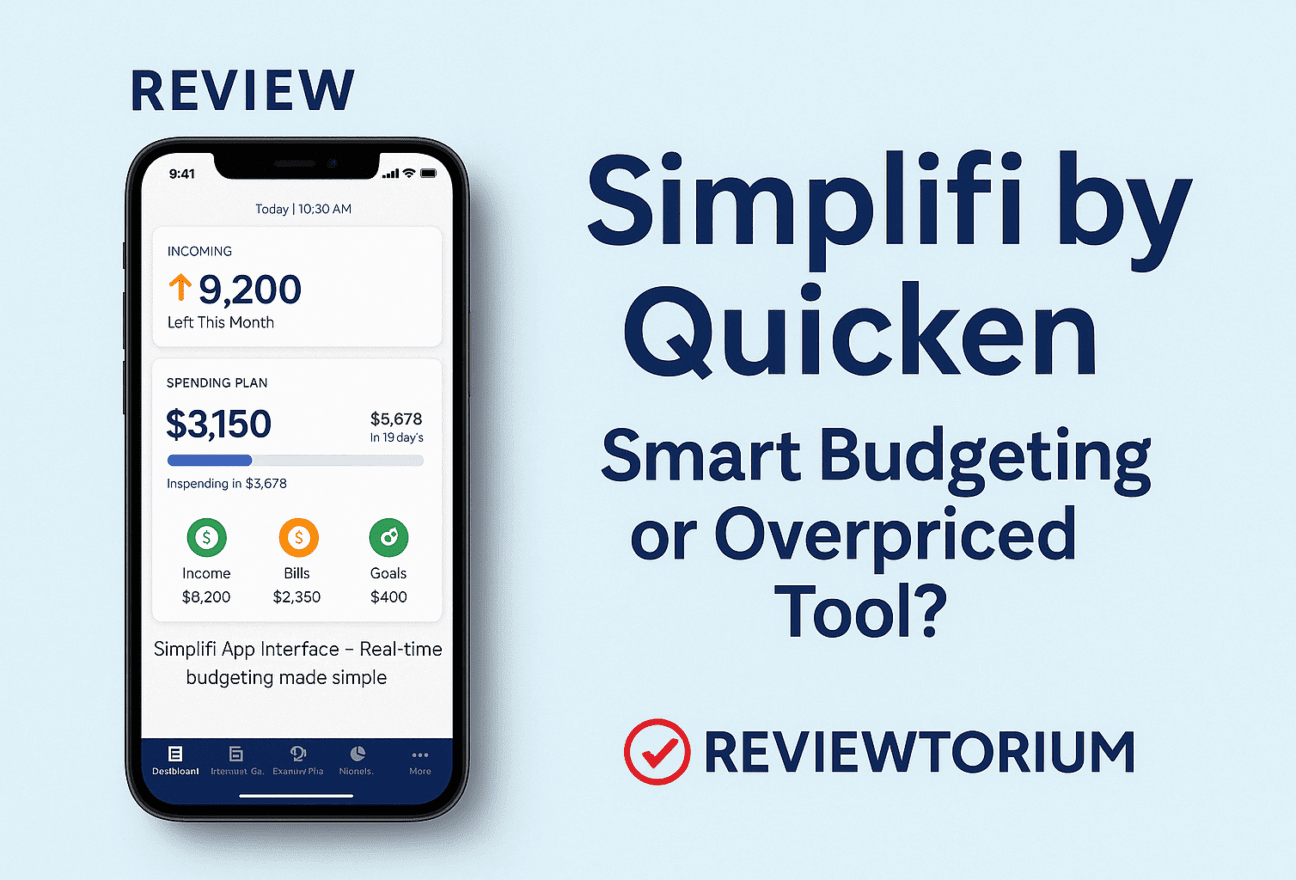
In a world full of budgeting apps, Simplifi by Quicken positions itself as a sleek, user-friendly financial companion. But is it truly worth the monthly fee? In this honest review, we’ll dive into Simplifi’s core features, ease of use, pricing, and whether it can genuinely help you stay on top of your money in 2025.
Key Features of Simplifi by Quicken
- Spending Plan: Automatically tracks your income, bills, and spending goals in one intuitive dashboard.
- Custom Watchlists: Set personalized alerts to keep spending in check across specific categories.
- Real-Time Sync: Connects to thousands of banks and updates your transactions live.
- Reports & Trends: Visualize your net worth, savings goals, and spending patterns over time.
Pros
✅ Clean, modern interface
✅ Ideal for beginners and visual learners
✅ Strong mobile and desktop sync
✅ Customizable savings goals and plans
Cons
❌ No free plan – only a 30-day trial
❌ Limited investment tracking features
❌ Some users report occasional syncing bugs
Pricing
Simplifi costs $2.99/month (billed annually) or $5.99/month if paid monthly. While cheaper than YNAB, it may still be too much for users who need only basic budgeting.
User Feedback & Reviews
Many users love Simplifi’s aesthetics and how easy it is to use. One reviewer on Reddit said:
“I finally enjoy tracking my money. Simplifi feels like a budget app made for people who hate budget apps.”
However, others complain about connection issues with some banks and the lack of more advanced financial tools.
Final Verdict
Simplifi is a solid choice if you’re looking for a straightforward and good-looking budgeting app. It’s especially suited for beginners or casual budgeters who want to better understand where their money goes. But if you’re looking for power-user features, YNAB or Rocket Money might be a better fit.
- simplifi by quicken review
- best budgeting apps 2025
- simplifi vs ynab
- how much does simplifi cost
- alternatives to quicken simplifi